
Peter Oliver @mavit@bergamot.social
Joined Nov 2022
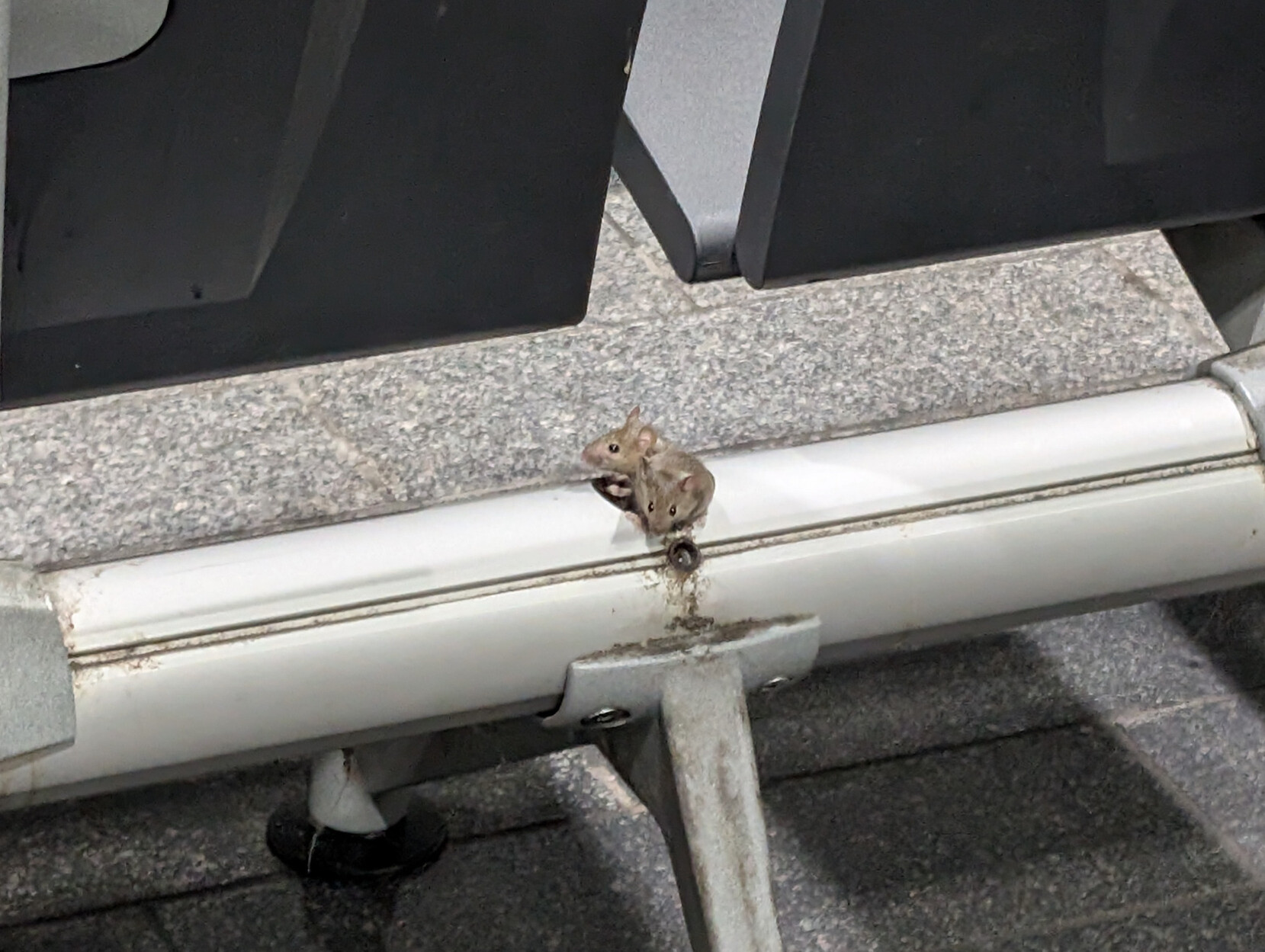
The New Street Station mice are getting bolder. When they were scurrying in and out of Costa and Upper Crust, that was one thing (I never buy anything from those kiosks anyway), but now they're sharing the seating I'm not so keen.
Slow clap for RWG Mobile, who decided to implement an email verification before topping-up data credit. Somehow receiving this email without mobile data is left as an exercise for the customer.
Re https://x.com/mavit/status/1546912578789675010, the answer was yes. I think I'm impressed that they light up after five years sitting in a cupboard somewhere.
Peter Oliver
boosted

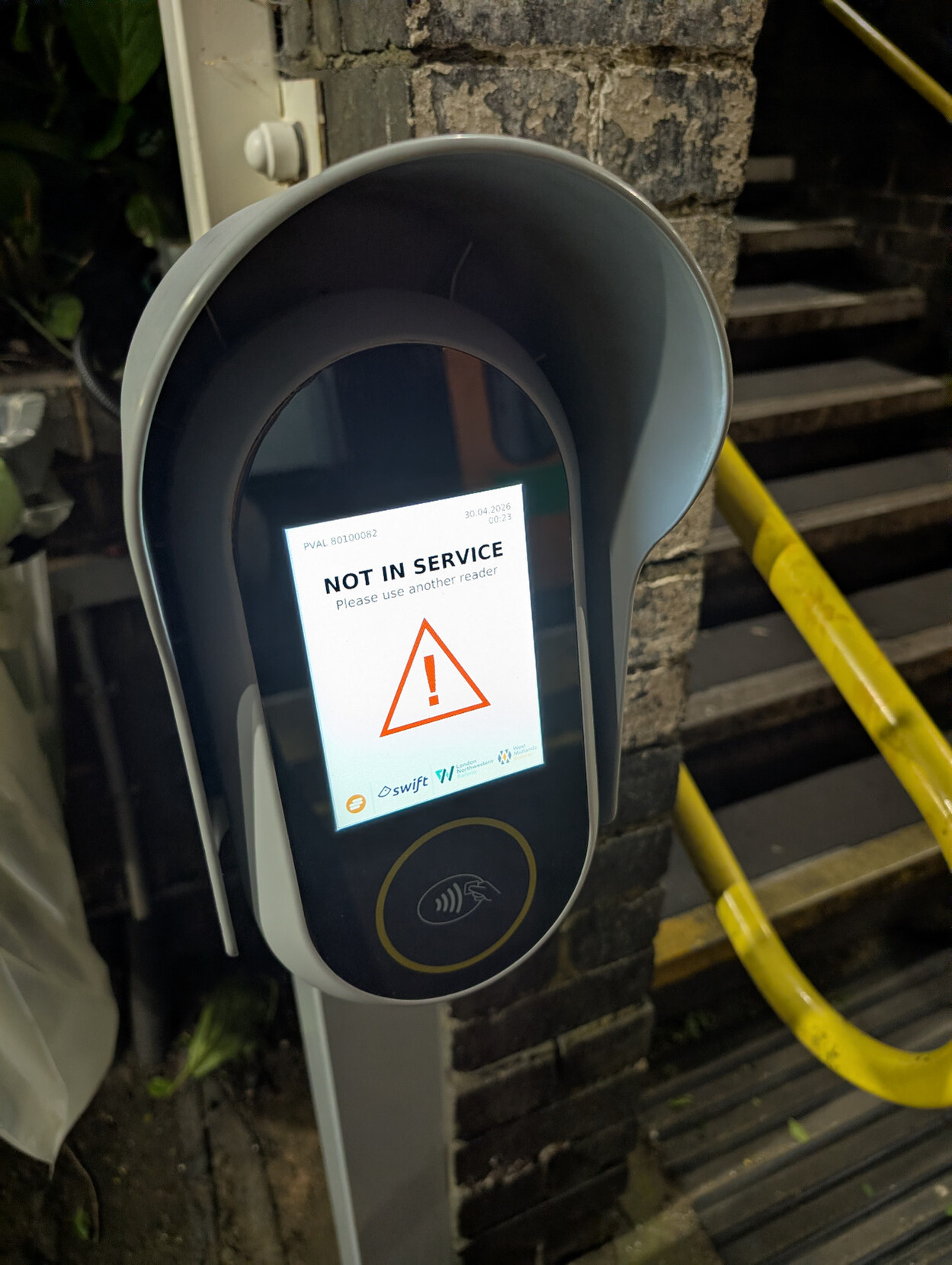
Join us for Easter boardgames, this Sunday!
https://afternoonplay.co.uk/post/812712219789967360/afternoon-play-april-2026
Finally, if your terminal’s ANSI yellow isn’t readable, maybe see https://www.mavit.org.uk/termcolours/ or https://www.mavit.org.uk/tango-putty/
Another alternative would be to set a background colour for coloured text, but some people would consider that ugly. I don’t think there’s solution that makes everyone happy.
The question remains, is it a good idea to have an “unbreak this broken behaviour” setting? One alternative would be to make SYSTEMD_COLORS=auto-16 the default, but that fails for people who don’t have the ANSI colours in their terminal configured for good contrast (some well-known terminals, such as PuTTY and XTerm, still have poor defaults for this use-case, for one colour or another).
This will be available from systemd version 260 (but you can set it now; it won’t do any harm). Full documentation: https://www.freedesktop.org/software/systemd/man/devel/systemd.html#%24SYSTEMD_COLORS
Can’t read the yellow warning text on your light coloured terminal, outputted by the various systemd utilities such as journalctl, systemctl, hostnamectl, etc.? I got fed up with copy and pasting this text into a text editor to make it legible, and added a new environment variable, SYSTEMD_COLORS=auto-16, which causes it to use your terminal’s ANSI yellow (which presumably you already have configured to a readable colour). #systemd260
Peter Oliver
boosted
We'll be back at Waterside Tap, Birmingham, on Sunday 1st February, for more boardgames.
https://afternoonplay.co.uk/post/806175359655641088/afternoon-play-february-2026
Joined Nov 2022